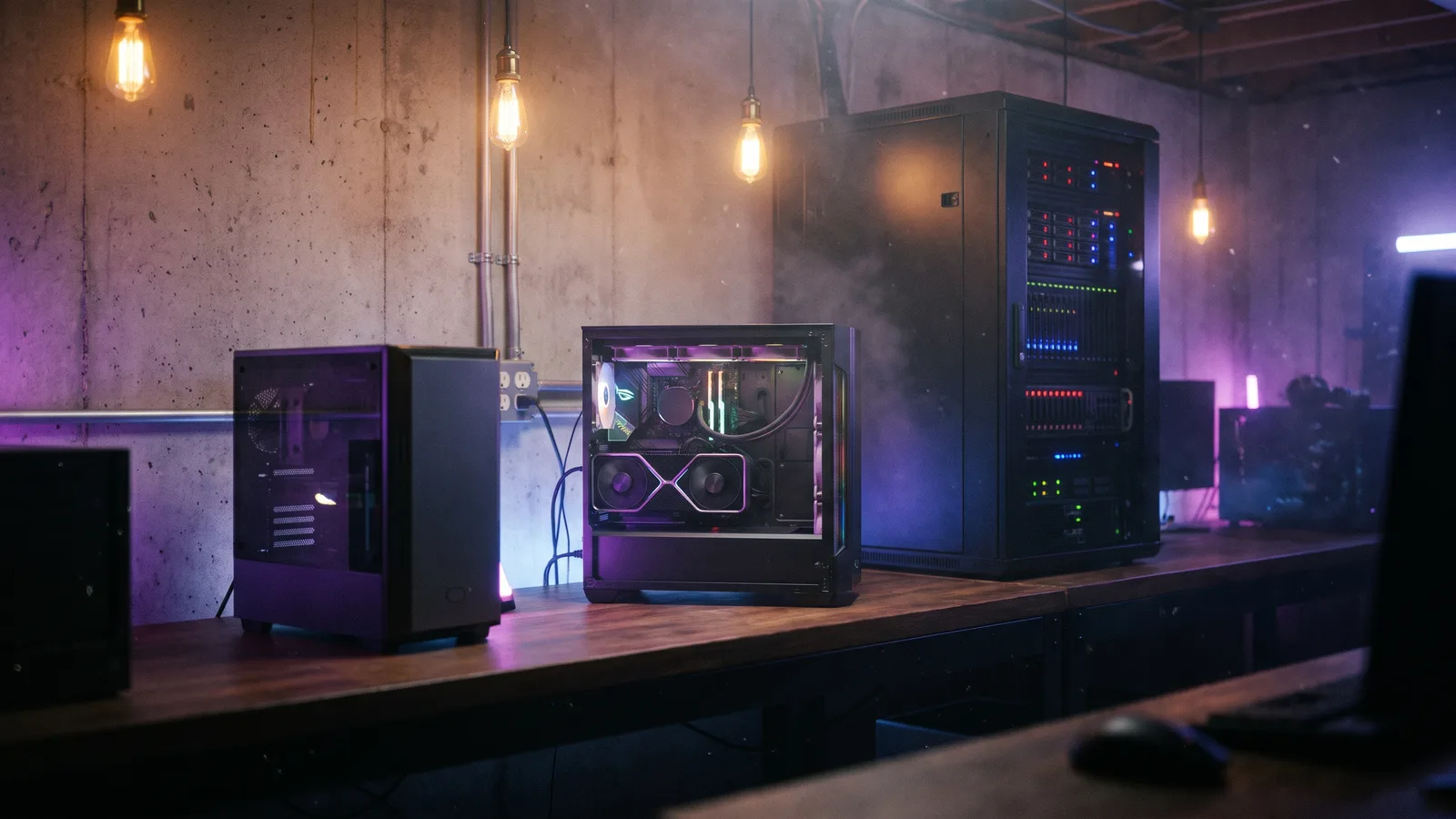


The hardware you need for local AI mainly depends on one number: graphics memory. According to a recent model report, a smaller open model such as gpt-oss-20b already runs from about 16 GB of memory, and models of around 27 billion parameters in compressed form from about 24 GB. Large models such as Aleph Alpha's Kolibri, on the other hand, need data-center graphics cards. For most tasks in mid-sized companies, the middle tier is enough.
Why memory decides
A language model has to fit completely into memory while working, ideally into the graphics card's memory. If it does not fit, it becomes very slow or does not run at all. Three things determine the requirement:
- Model size: more parameters need more memory.
- Compression (quantisation): models can be shrunk by storing numbers with less precision. This saves a lot of memory and usually costs only a little quality.
- Input length and number of users: long documents and many simultaneous requests need additional memory.
With so-called mixture-of-experts models such as Kolibri or Soofi, only a small part of the model is active per word. That makes them fast, but the whole model still has to sit in memory.
Three tiers for companies
1. Workstation or small server (around 16 GB of graphics memory): smaller models for individuals, for trying things out, for summaries, drafts and simple questions about documents.
2. Workstation or server with a large graphics card (24 GB and more): mid-sized models that handle many everyday company tasks well and can be used by a small team at the same time. For many mid-sized companies, the best starting point.
3. GPU server in a data center: large models, very long documents and many users at once. According to Aleph Alpha, Kolibri handles 18 simultaneous requests on two Nvidia H100 cards. You can buy such servers or rent them from German providers.
Which software do you need?
- Ollama: the easiest way to run open models on a computer or server. Good for getting started and for smaller teams.
- vLLM: for operation with many simultaneous users. Kolibri, for example, runs via its own extension for vLLM.
- A chat interface such as Open WebUI, so your team can work with the model as usual.
How to proceed
- Define which tasks the AI should take over.
- Test two or three models of different sizes with real examples from your daily work.
- Choose the smallest model that delivers good results.
- Only then decide on the hardware, not the other way round.
When local AI pays off overall is covered in Local AI instead of the cloud. Which European models exist is shown in Sovereign AI from Europe.
Sources
- nbreview: Local AI models 2026: report on models, benchmarks and hardware (German)
- Aleph Alpha: Kolibri has landed
- Ollama and vLLM


